For Planning Consultants
Triage the intake in 30 seconds, not an hour.
Every email asking “can my client subdivide this?” used to mean an hour of free research. Now it's a 30-second screen: zone, schedule, overlays, indicative yield, complexity score, source links, before you decide whether to quote.
Status quo
Where your billable hours leak
-
01
Inquiry email arrives
Existing client. New client. Real estate agent fishing. Same question: “Can my client do X with this site?”
-
02
You research before quoting
Zone. Schedule. Overlays. Heritage. You can't quote a desktop review without this, but you can't bill for the research either. Goodwill hour. Maybe two.
-
03
Half are non-starters
Wrong zone for the use. Heritage overlay kills the concept. Schedule too restrictive. You've spent the goodwill hour on something the client was never going to proceed with.
-
04
The valuable inquiries get less time
Because the goodwill-hour budget is finite, and you've already spent it on the non-starters.
The lookup
What the lookup gives consultants
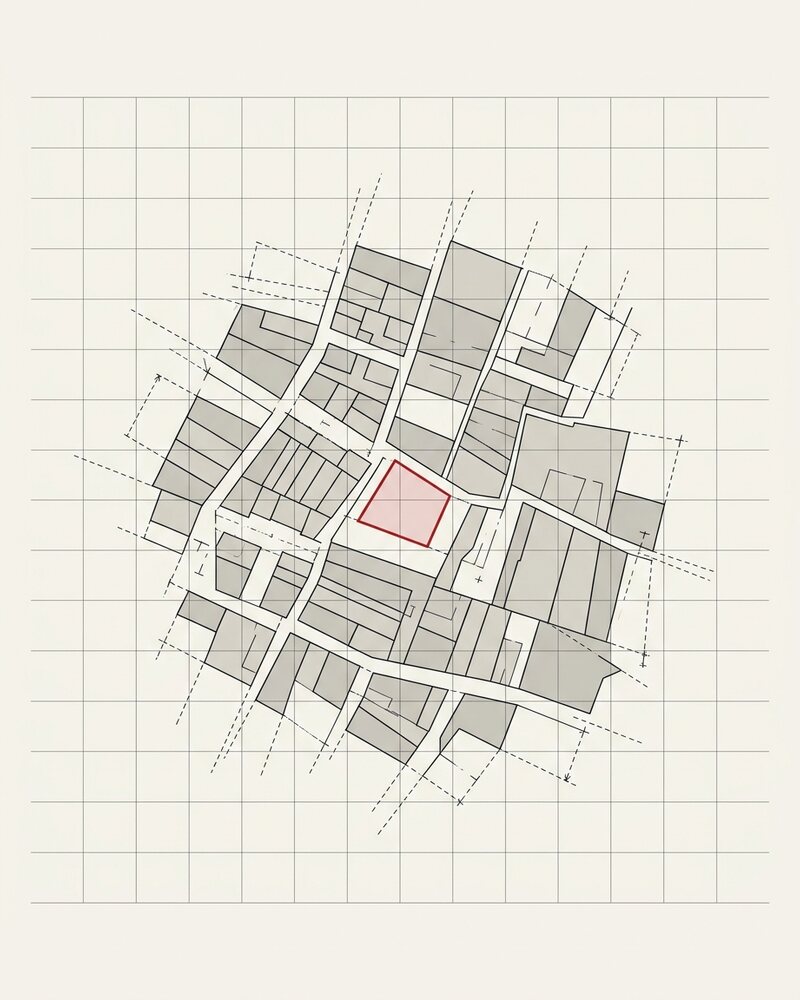
- 01 Lot areaState cadastre · PFI 507083 969 m²
- 02 Frontage · depthState cadastre · regular lot 12 × 80.8 m
- 03 Zone & scheduleCl.32.10 · Stonnington HCTZ1
- 04 Max heightCl.32.10 · mandatory 13.5 m
- 05 Street setbackResCode Cl.55 · estimated 6 m
- 06 Side & rear setbackResCode Cl.55 1.87 m
- 07 Site coverageCl.32.10 · 581 m² 60%
- 08 OverlaysCl.43.01 + Cl.45.06 · permit HO396 · DCPO1
One call, one real address. Geometry is indicative; every value is the live answer. Garden area is absent because HCTZ1 has no garden-area requirement — we don’t invent a control to fill a row.
Enough to triage an enquiry before quoting the hour: the zone, both overlays with their clauses, and the mandatory height. What it deliberately does not do is state the assessment pathway — that turns on the specific proposal, and the lookup will not assert one it cannot resolve from a point in space.
30-second triage
Every inquiry screened in less time than reading the email. Zone, schedule, overlays, indicative yield, complexity score, enough to decide whether to quote.
Confidence tags
Per-field verified / default / unverified, with last-verified date. You know which figures to trust at face value and which to verify before relying on them.
Source links on every figure
Send to the client. Use in your scope-of-work email. No “trust me”, every fact links back to the relevant planning scheme page.
Batch lookup
Pro tier. Send a list of 15 addresses, get a structured spreadsheet back. Useful for due-diligence portfolio reviews.
Branded PDF reports
Scale tier. One-click 3-page screening report with your branding. Use as a “preliminary opinion” deliverable for clients who don't need a full desktop review.
Wrong-zone guarantee
If we return the wrong zone, that lookup is free and we credit ten more, and the dataset gets corrected. You're on the side of the underwriting, not the unprotected user of someone else's tool.
Before / after
The intake triage workflow
Without it
~1 hr per inquiry × 20/week = 20 hr
- Inquiry email arrives
- Open VicPlan / NSW Portal / state portal
- Identify zone, look up schedule, cross-check overlays
- Review heritage register
- Form preliminary opinion
- Reply with quote, or “site isn't viable, sorry”
With Feasibly
~5 min per inquiry × 20/week = 1.5 hr
- Lookup address
- Read the structured response: zone, schedule, overlays, complexity
- Decide: quote, send “not viable” with cited reasons, or escalate to detailed review
- Reply with quote AND a 1-page preliminary opinion using the source-linked data
Footnotes
What planning consultants ask
- Doesn't this replace planners?
- No. It replaces the unbilled goodwill hour: the research you do before deciding whether to quote. The actual planning work (interpreting overlay intent, weighing precedent, navigating VCAT risk, writing the report, attending the council meeting) is still yours and still billable. Feasibly is the filter, not the work.
- Can I rely on it for a client opinion?
- No, every response carries a “screening intelligence, not professional planning advice” disclaimer. Use it to scope your work, not to issue advice. For a formal opinion that the client will rely on, you still need to verify against the source and apply your judgement on the grey areas.
- Which states are covered?
- Seven: VIC (schedule-deep, 79 LGAs, 790 schedules), NSW (128 LGAs via LEP API), SA (74 via PlanSA), QLD-SEQ (8 councils), WA (136 LGAs), ACT (Territory Plan 2023), Tasmania (29 LGAs). NT is deferred (no working spatial API).
- How many can I screen per month?
- Pro tier is 2,000/month, Scale is 10,000. For a consultancy doing 20-50 inquiries per week, Pro covers most workflows comfortably. Scale only matters if you're also batch-screening portfolios or running automated client intake forms.
- Can my whole firm share one account?
- API keys are per-user. For a firm of more than ~3 planners, the Scale tier or a custom Enterprise plan with seat-based licensing makes more sense: speak to us about volume pricing.
Try it on 20 addresses this month. Free.
No credit card. Upgrade only if you need more.
See vs Manual Lookup →